
Using the Platform from a Mobile Device
Real talk – who actually plays from a desktop anymore? Pretty much nobody I know. The whole Godz setup was built with phones in mind first, and it runs straight through your mobile browser. No sketchy APK from a Telegram channel, no App Store dead-ends, no “please update to continue” pop-ups every second Tuesday. What you get on your laptop, you get on your phone: the same casino shelves, the same sports betting board, the same cashier for deposit and withdrawal. There’s no separate native app here, and honestly… once you use it for a week you stop missing one.
Bookmark it, drop a shortcut on your home screen, and get on with life.
Access Through Mobile Browsers
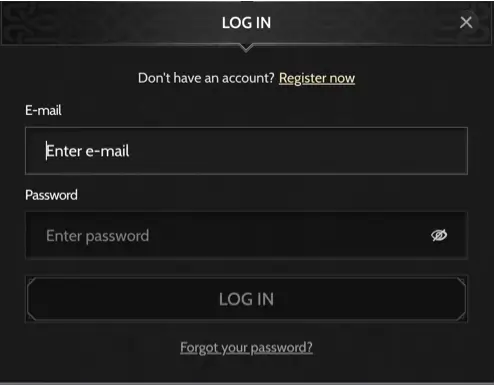
Opening the platform on a phone is refreshingly boring – which, in this corner of the internet, is exactly what you want. Type the Godz address into Safari on your iPhone or Chrome on your Android handset, wait about two seconds, and you’re in. Same email, same password as your desktop login. If you turned on two-factor – and you probably should – the code prompt shows up in the usual place. The whole layout reshuffles itself for portrait mode, so the menu tucks behind a hamburger icon and the cashier tiles stack in a single column that your thumb can actually reach.
The iOS and Android experience is basically twin brothers. Same filters, same live-chat bubble in the corner, same everything. Jump from your work laptop at lunch to your phone on the couch that evening and your session picks up like nothing happened.
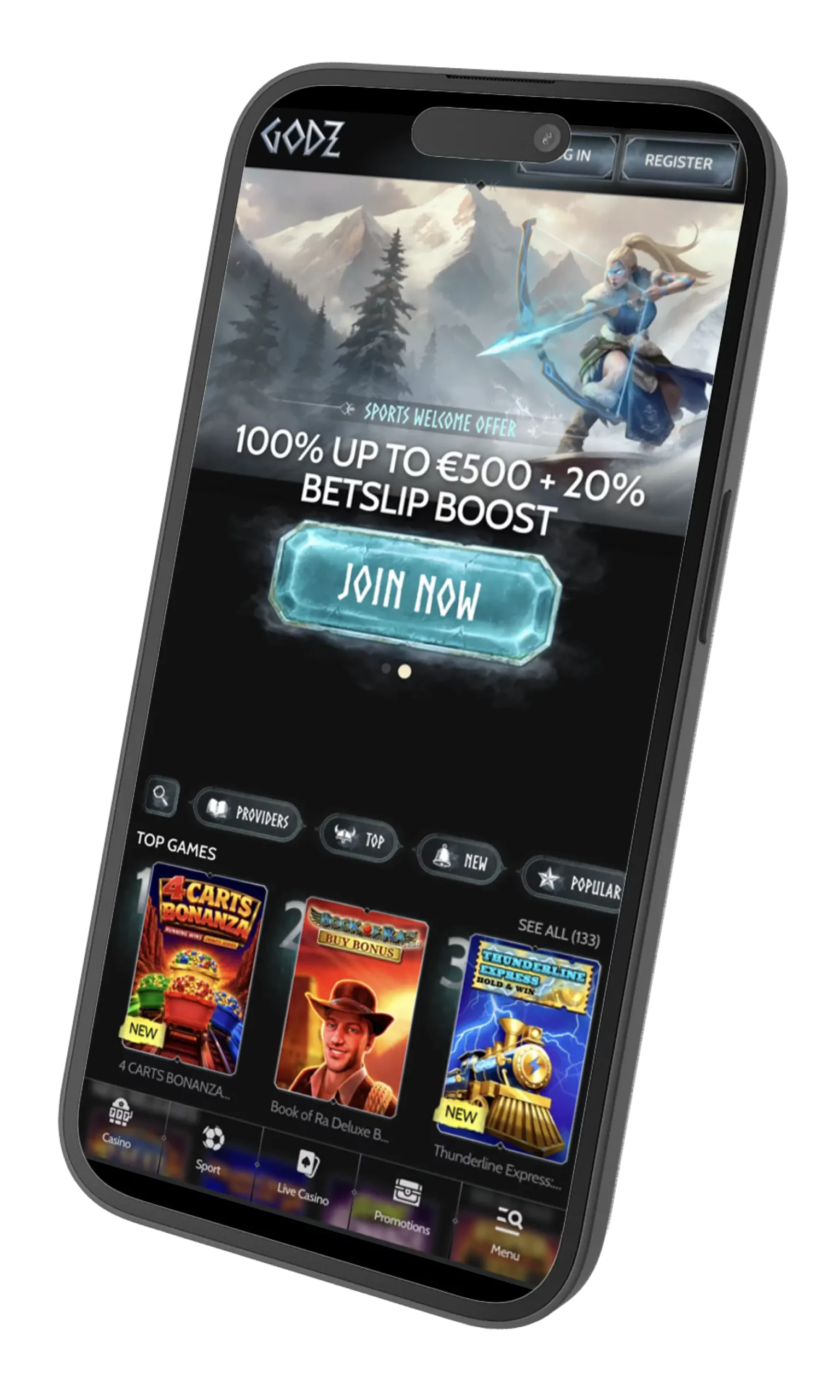
Here’s the whole first-time routine in plain English:
- Open your browser and paste the platform’s URL into the address bar;
- Sign in with your email and password, or hit “Register” if you’re new;
- Verify your account, run KYC if it asks, and top up through the cashier;
- Tap a game tile or the sportsbook shelf, and you’re playing.
Log in once, and everything after that is a single tap.
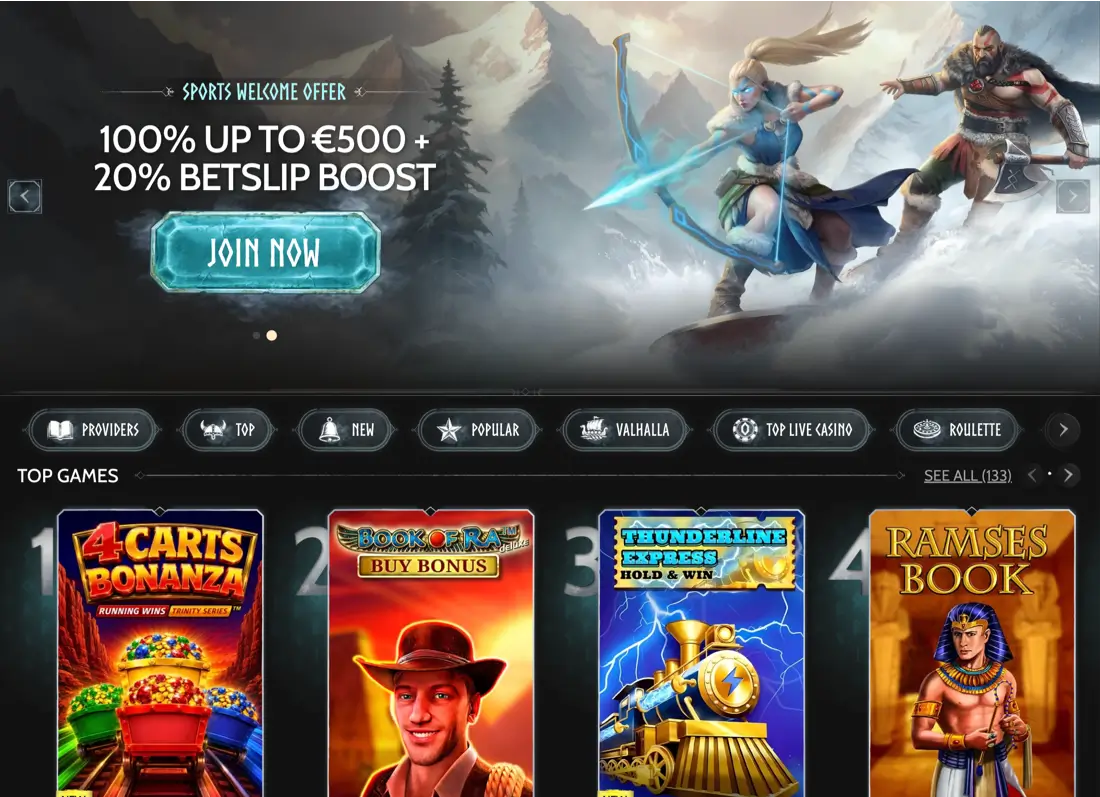
Supported Devices and Installation Choices
Because everything runs in your browser, the hardware list is pretty forgiving. Any iPhone on iOS 15 or newer handles it without a fuss, and any Android phone from about 2019 onward – Samsung, Pixel, Motorola, whatever – loads the lobby smoothly. Tablets get a nicer deal, actually… iPad Safari and Android Chrome render a two-column layout that arguably looks cleaner than the desktop version. No install prompts, no permissions to grant, no half a gig of storage sacrificed to another gambling app you’ll delete in three months.
Why is browser-only genuinely a win? A few reasons worth spelling out. Updates happen server-side, so you never chase patches or beta invites. OS upgrades never brick your access – iOS 18 dropping doesn’t matter to you. And there’s zero chance of grabbing a fake Godz APK from some forum, because there is no real APK to fake. Your phone’s own security stack (Face ID, fingerprint autofill, private tabs) stays right where it is.
| Device | How to access | Main capabilities |
| iPhone / iPad | Safari, Chrome, Firefox on iOS 15+ | Full casino, sportsbook, cashier, live chat |
| Android phones | Chrome, Firefox, Samsung Internet on Android 10+ | Same lobby, home-screen shortcut, biometric login |
| Android tablets | Chrome or Firefox, landscape or portrait | Two-column layout, live dealer streams |
| Windows / macOS laptop | Any evergreen browser | Full desktop layout, useful as a fallback |
No downloads means no updates to chase – and no fake apps to fall for.
Setting Up Quick Access on iOS and Android
Since there’s no store app to install, the closest thing you get is a home-screen shortcut – the fancy name is Progressive Web App, or PWA. On your iPhone, open Safari, load the site, tap the Share icon at the bottom, scroll down and pick “Add to Home Screen.” Name it something short, hit Add, and a Godz-branded icon lands right between your banking app and Instagram. On Android it’s basically the same choreography: Chrome menu, “Add to Home screen,” done. One small favour to yourself – don’t call this shortcut a real app when you’re talking to support, because technically it isn’t, even though it opens full-screen and behaves almost identically.
Add the icon once and skip the URL typing forever.
Functions Available on Smaller Screens
The mobile build isn’t a trimmed-down version. Every serious feature from the desktop lives here, just rearranged for thumbs. You get the full slot lobby – over 10,000 titles filterable by provider, volatility, or feature – and a live casino section streaming Evolution and Pragmatic tables in real HD. The sportsbook covers hockey, NHL futures, UFC, tennis, and even the fringe stuff like darts and snooker, with that same 1.60+ minimum odds rule for bonus wagering that catches people out on the desktop too. The cashier accepts Interac from 20 CAD, cards, e-wallets, and crypto (BTC, ETH, LTC, USDT and a few more), and the “My Bonuses” panel lets you activate the welcome package or claim your daily Wheel of Destiny spin without ever opening a laptop.
Here’s what actually works on the small screen, spelled out plainly:
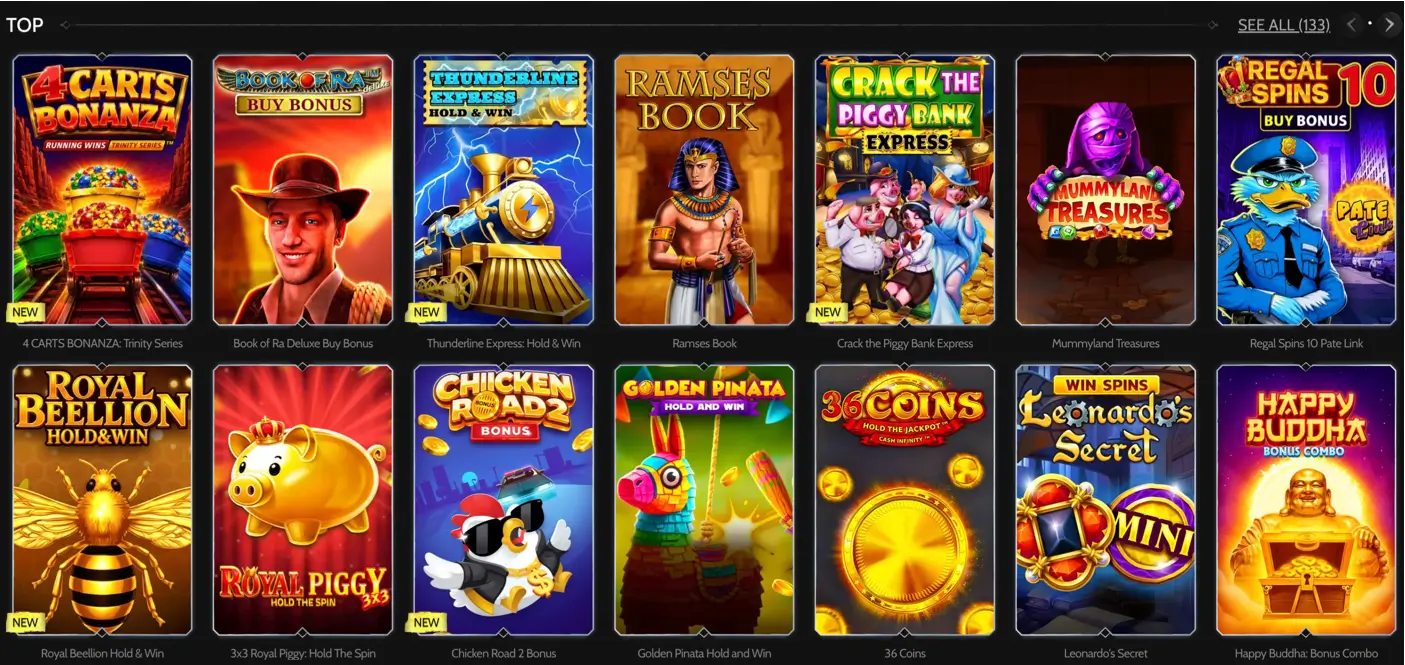
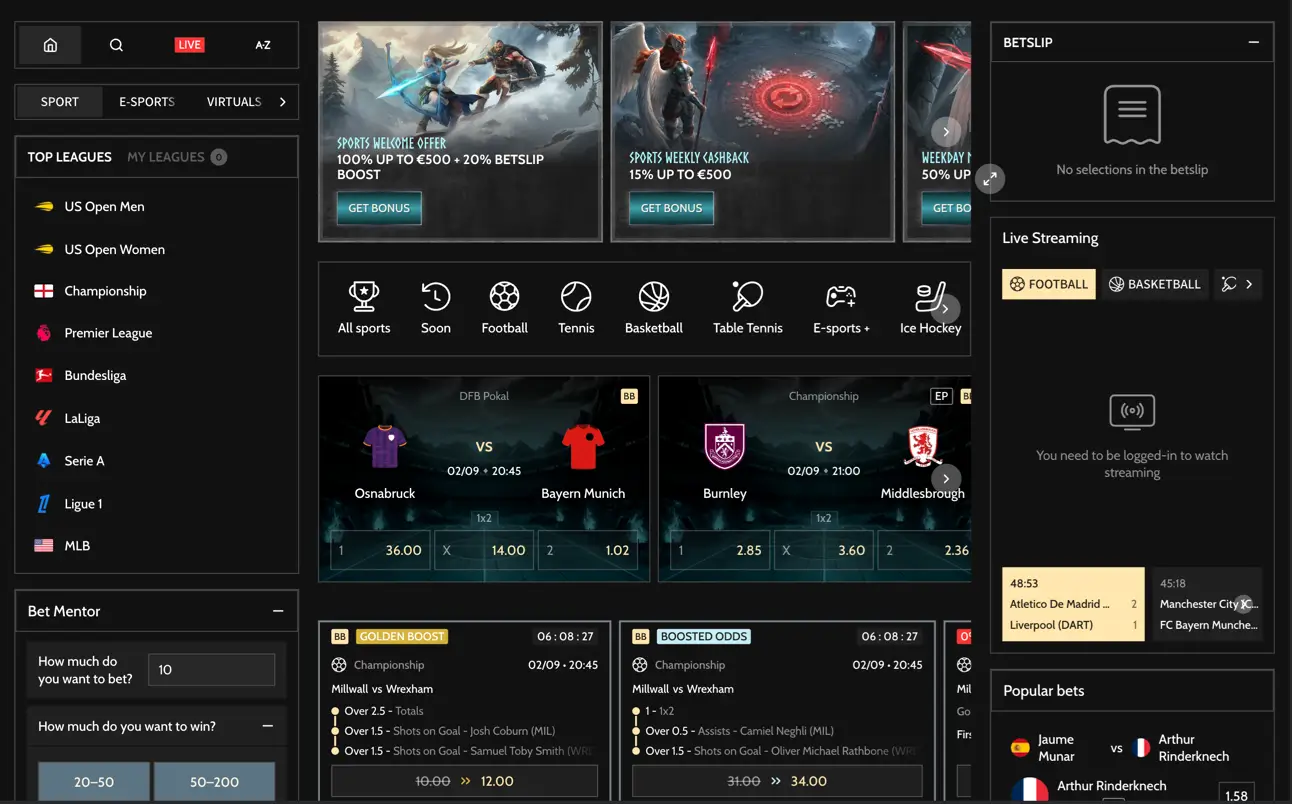
- Full slot lobby with search, provider filters and a “recently played” row;
- Live dealer tables – blackjack, roulette, baccarat, game shows;
- Sportsbook with pre-match, in-play, cash-out and the 20% Betslip Boost;
- Cashier for every fiat and crypto deposit / withdrawal method, 0% platform fees;
- Bonus centre for the 100% up to 3,000 CAD welcome package and 300 free spins;
- Weekly promos: Blacksmith’s Weekly Wealth, Vanaheim Weekend, Asgardian Sunday;
- Biometric login after your first sign-in, plus 24/7 live chat pinned to the corner.
Whatever you can do at a desk, you can do standing in line at Tim Hortons.
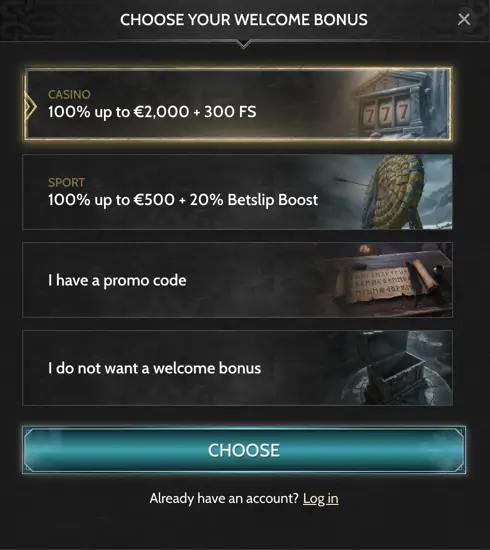
Bonus centre for the 100% up to 3,000 CAD welcome package and 300 free spins;
Weekly promos: Blacksmith’s Weekly Wealth, Vanaheim Weekend, Asgardian Sunday;
Biometric login after your first sign-in, plus 24/7 live chat pinned to the corner.
Solving Common Access Issues
Even a slick mobile setup runs into gremlins now and then – and most of them clear up in under a minute if you know where to poke. If the page just won’t load, first thing to check is your connection. Wonky LTE is the usual suspect… swap to Wi-Fi and reload, or vice versa. A cache clear also knocks out a surprising number of ghost errors that look scarier than they are. Login failures are almost always caps-lock, an autofilled password that’s out of date, or – and this one bites Ontario players specifically – regional restrictions tied to iGO. Worth ruling out before you panic.
If your browser hasn’t been updated in a while, that’s another common one. Old Safari and Chrome builds sometimes choke on the modern scripts powering live-dealer streams, and the fix is a two-minute update from your app store. Pop-up blockers occasionally hide the two-factor code window, so whitelist the domain in your browser settings if the login prompt just… vanishes on you. Stuck crypto payments almost always solve themselves once the network confirms – and if you’re constantly waiting, switch to Solana or LTC, both settle fast enough that you barely notice.
If none of that works, the 24/7 live chat is genuinely fast. Screenshot the error, drop it in, and someone usually replies within a couple of minutes. And a last honest note: casino and sports betting are supposed to feel fun. If it’s not feeling fun anymore, use the deposit-limit and time-out tools in your account, or reach out to ConnexOntario at 1-866-531-2600 or your provincial helpline. No shame in it.
Sort the small stuff yourself, escalate the rest to support.