
Setting Up an Account
Before you can spin, bet, or even peek at the welcome package, you need a profile. And honestly… that’s fair. Registering an account takes maybe two minutes and unlocks everything – the full casino lobby, the sportsbook, the cashier, live chat, and the whole bonus centre. Give real details from the start, because the moment you go to withdraw, the platform will cross-check what you typed against your ID. Sloppy data now means a headache later. So take the extra minute and do it properly.
Register once, and the whole Godz experience is yours to explore.
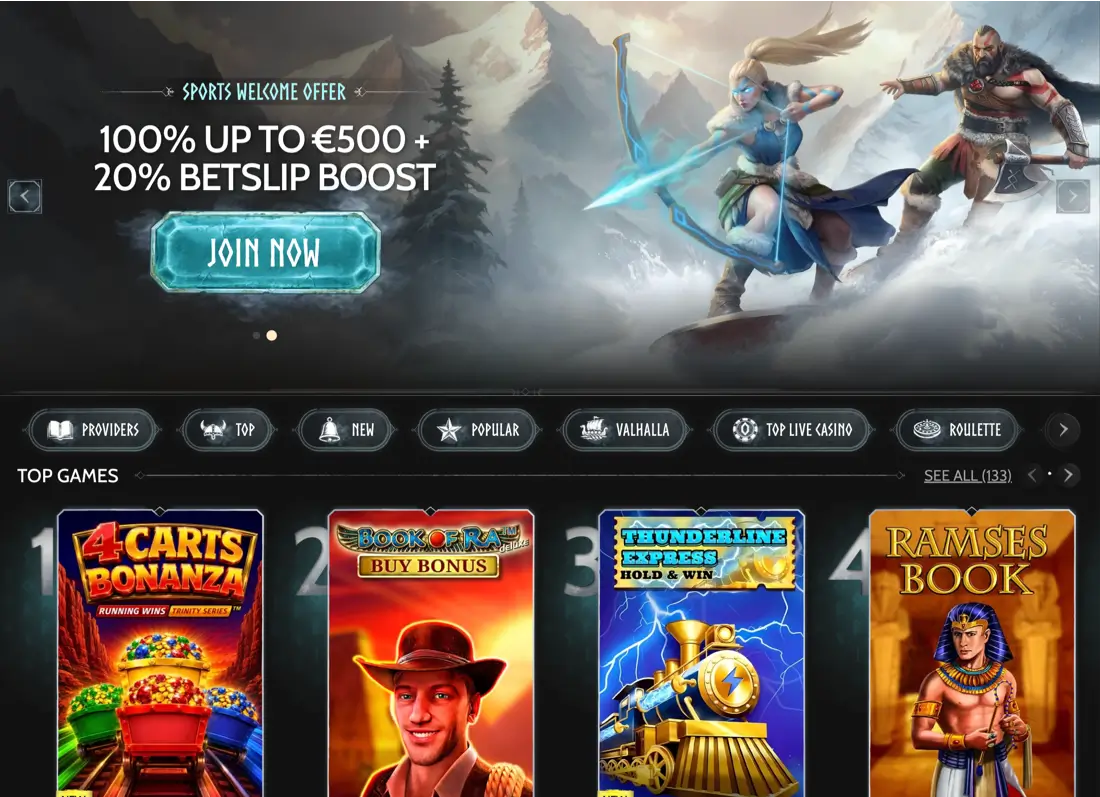
Starting the Sign-Up Process
Opening the sign-up form is the easy part – the “Register” button sits in the top-right corner of every page, hard to miss even on a small phone screen. The form itself is short and modern, with fields grouped into two quick steps rather than one giant scroll of doom. You can use email or phone as your primary identifier, and Canadian players default to CAD currency automatically. Nothing weird, nothing buried.
Here’s the whole flow, spelled out:
- Hit the “Register” button in the top right of the landing page;
- Choose your preferred currency – CAD for most Canadians, or crypto if that’s your lane;
- Enter a valid email address (or phone number) and pick a strong password;
- Confirm your country of residence and date of birth;
- Tick the boxes for terms of service, age confirmation, and marketing preferences;
- Verify your email via the link the platform sends to your inbox;
- Log in for the first time and land on your fresh dashboard.
Two minutes, tops. Register and the welcome package is one deposit away.
Personal Details and Account Security
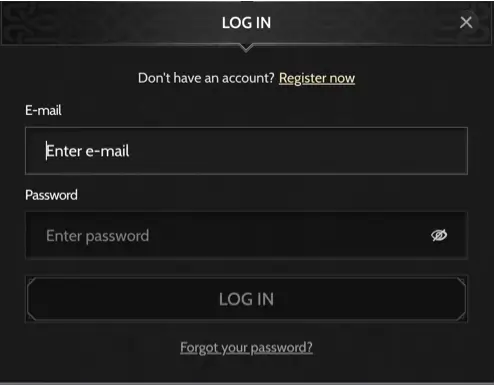
The registration form asks for the basics – full legal name, date of birth, home address, phone, email, currency preference, and a password. Nothing exotic, nothing invasive… just what any regulated operator needs to keep the books clean and confirm you’re a real adult Canadian. Type your name exactly as it appears on your driver’s licence or passport, because these details will be checked later during KYC. A “Bob” on the account when your ID says “Robert” is exactly the kind of thing that stalls a withdrawal for a week.
Password rules are the usual modern set: at least eight characters, mix upper and lower case, throw in a number and ideally a symbol. Use a password manager if you can – reusing your Netflix password on a casino is genuinely a bad idea. Two-factor authentication (2FA) is optional at sign-up but can be flipped on later in your account settings, and it’s worth doing the moment your balance stops being pocket change. If you’re on shared Wi-Fi or a public device, tick “log me out” and never save the password to a shared browser profile.
Type your details exactly as they appear on your government ID, save yourself the hassle later.
When Verification May Be Required
Know Your Customer – KYC – kicks in when the platform needs to legally confirm that you are who you say you are. This usually happens before your first withdrawal, when you cross a certain deposit threshold, or if security flags something unusual on your account. It’s not personal, it’s compliance, and it exists specifically to keep underage players out and stop money-laundering headlines. Once you clear KYC, the review normally isn’t repeated unless you change payment methods or dramatically raise your activity level.
Documents you can expect the platform to ask for:
- Proof of identity – a government-issued ID: passport, driver’s licence, or provincial photo card;
- Proof of address – a utility bill, bank statement or lease agreement, dated within the last three months;
- Proof of payment – a photo of your bank card (front, with middle digits hidden) or a screenshot of your e-wallet;
- Source of funds – occasionally requested for high-roller deposit activity, usually a pay stub or bank statement.
Upload clear photos, ideally in good daylight – blurry corner-of-a-desk pictures are the number one reason KYC gets bounced. Reviews usually take one to three business days once everything is submitted, and support will ping you if anything is missing. Get verified early, before you go to cash out, and payouts feel much smoother.
Verify your ID once, then focus on the fun part.
First Actions After Creating an Account
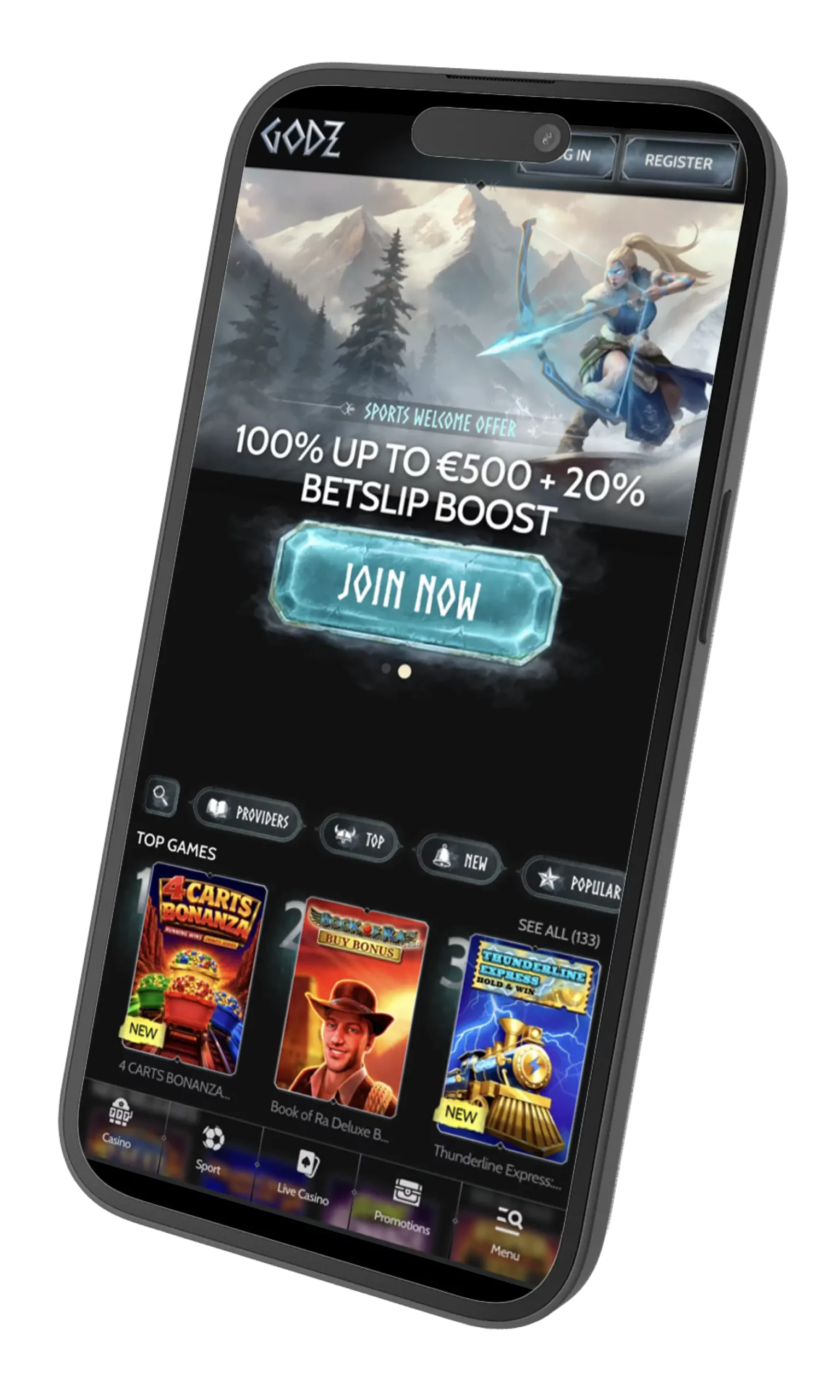
Fresh account, blank slate – now what? Head to your dashboard first and click through the account-settings panel. Add a phone number if you skipped it, switch on 2FA, and set sensible deposit and loss limits under Responsible Gaming while you’re still calm and thinking clearly. Future-you will thank present-you. Then swing by the cashier, load a starter deposit (Interac has a friendly 20 CAD minimum, crypto sits at 90 CAD), and the 100% up to 3,000 CAD welcome package with 300 free spins on Bonanza Billion becomes yours to unlock across your first three deposits.
Explore at a relaxed pace. The lobby has slots, live dealer tables, crash games, sportsbook markets, and even virtual sports if you like something running at all hours. Bookmark the “My Bonuses” page and the promotions calendar – Blacksmith’s Weekly Wealth, Asgardian Sunday and Vanaheim Weekend all run on a schedule and reward players who show up consistently. Returning is easy: hit “Login” in the same top-right corner, enter your credentials (or use biometric autofill on your phone), and you’re back in.
Here’s what a starter deposit looks like by payment rail:
| Method | Minimum Deposit, CAD | Fee | Notes for wagering |
| Interac | 20 CAD | 0% | Fastest CAD-native rail |
| Visa / MasterCard | 20 CAD | 0% | Instant crediting |
| Google Pay / Jeton | 20 CAD | 0% | Mobile-friendly |
| BTC, ETH, LTC, USDT | 90 CAD equivalent | 0% | Neteller / Skrill / Volt excluded from most promos |
Set your limits before your first spin, not after.
Registration Errors and How to Resolve Them
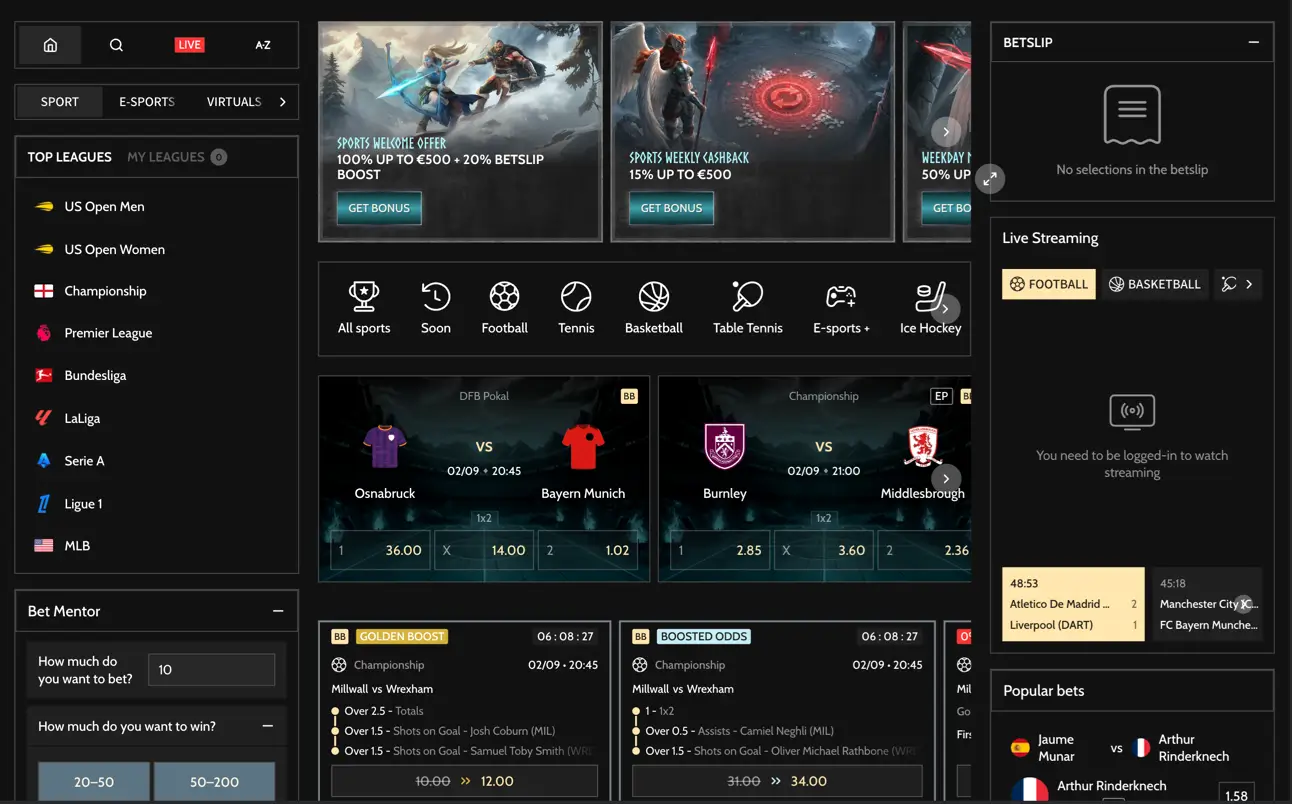
Even a slick sign-up form throws the occasional curveball, and every one of them has a quick fix if you know where to look. Most errors are boringly small – a typo, a stale email in your inbox filter, a VPN you forgot was on. Nothing dramatic. The trick is knowing which fix to try first, so you don’t waste ten minutes clicking blind.
Common sign-up errors and what to do about them:
- Email or phone already in use – you probably registered here before; use “Forgot password” instead of starting fresh;
- Weak password rejected – add an upper-case letter, a digit and hit at least eight characters;
- Personal-data mismatch – fix typos in name, address or birthdate before KYC catches them later;
- Confirmation email missing – check spam, then request a resend from the login page;
- Regional restriction message – Ontario players may hit iGO-related limits, and support can explain what’s available in your province;
- VPN or proxy blocking – turn them off before registering; IP mismatch with your stated country will trip anti-fraud filters.
If anything feels off, hit 24/7 live chat rather than guessing. And a genuine reminder: casino play and sports betting should stay fun. Use the deposit-limit and self-exclusion tools in your account, and if things stop feeling healthy, contact ConnexOntario at 1-866-531-2600 or your provincial helpline.
Fix the small things now, and the rest of your journey stays smooth.